Digital Art App Finder
Find the best digital art app for your needs with this quick quiz. Based on the article "What app do most people use for digital art? Top choices in 2025".
Recommended App
If you’ve ever scrolled through Instagram and seen a stunning digital painting that looked like it was done with real brush and ink, you’re not alone. Millions of artists are switching from paper to screens-and the app they use matters more than you think. It’s not just about having a tablet. It’s about the tool that fits your style, your workflow, and your budget. So what app do most people use for digital art? The answer isn’t one-size-fits-all, but there’s one name that keeps showing up at the top: Procreate.
Procreate dominates on iPad
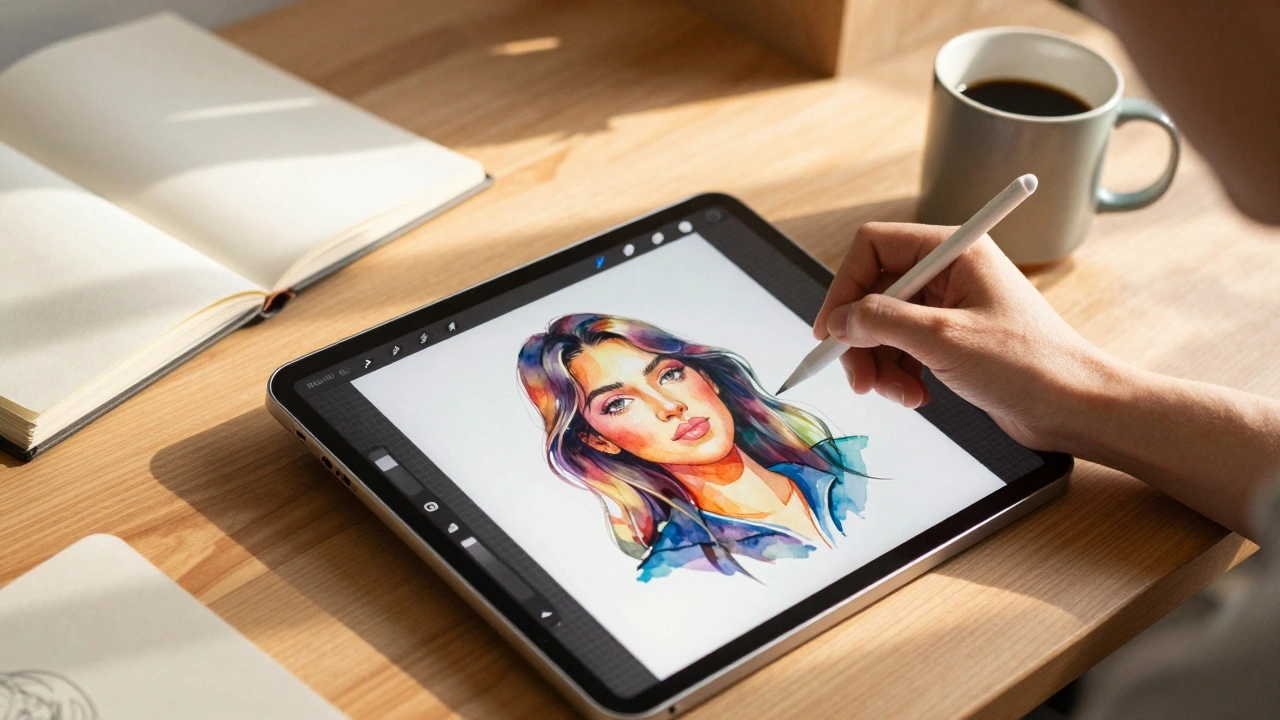
Procreate isn’t just popular-it’s the default choice for millions of digital artists, especially those using Apple’s iPad. Why? It’s simple: it feels like painting on paper, but with superpowers. The brush engine is incredibly responsive. It handles pressure, tilt, and speed like a real brush. Artists can create textures that mimic watercolor, charcoal, or oil paint with just a few taps. And it runs smoothly even on older iPads, which is why it’s still the go-to for students, hobbyists, and professionals alike.It’s not just the brushes. Procreate’s layer system is clean and fast. You can have hundreds of layers without lag. The animation feature lets you make frame-by-frame motion art right inside the app. And it exports in every format you need: PNG, PSD, MP4, even animated GIFs. You don’t need to switch apps to share your work. That’s why, according to a 2024 survey of 12,000 digital artists, 43% listed Procreate as their primary tool.
Adobe Fresco: For the Creative Cloud crowd
If you’re already using Photoshop or Illustrator, Adobe Fresco is your natural next step. It’s built to work with Adobe’s ecosystem. The standout feature? Live Brushes. These simulate real watercolor and oil paint by reacting to moisture and blending in real time. If you’ve ever tried to mimic wet-on-wet watercolor digitally, you know how frustrating it can be. Fresco fixes that. The paint actually flows and spreads like it’s on wet paper.But there’s a catch: it only works well on Windows tablets and iPads with Apple Pencil. It’s not on Android. And if you don’t have an Adobe subscription, you’re stuck with a limited free version. For professionals already paying for Creative Cloud, Fresco is a no-brainer. For everyone else? It’s a nice option, but not the most cost-effective.
Clip Studio Paint: The manga and comic powerhouse
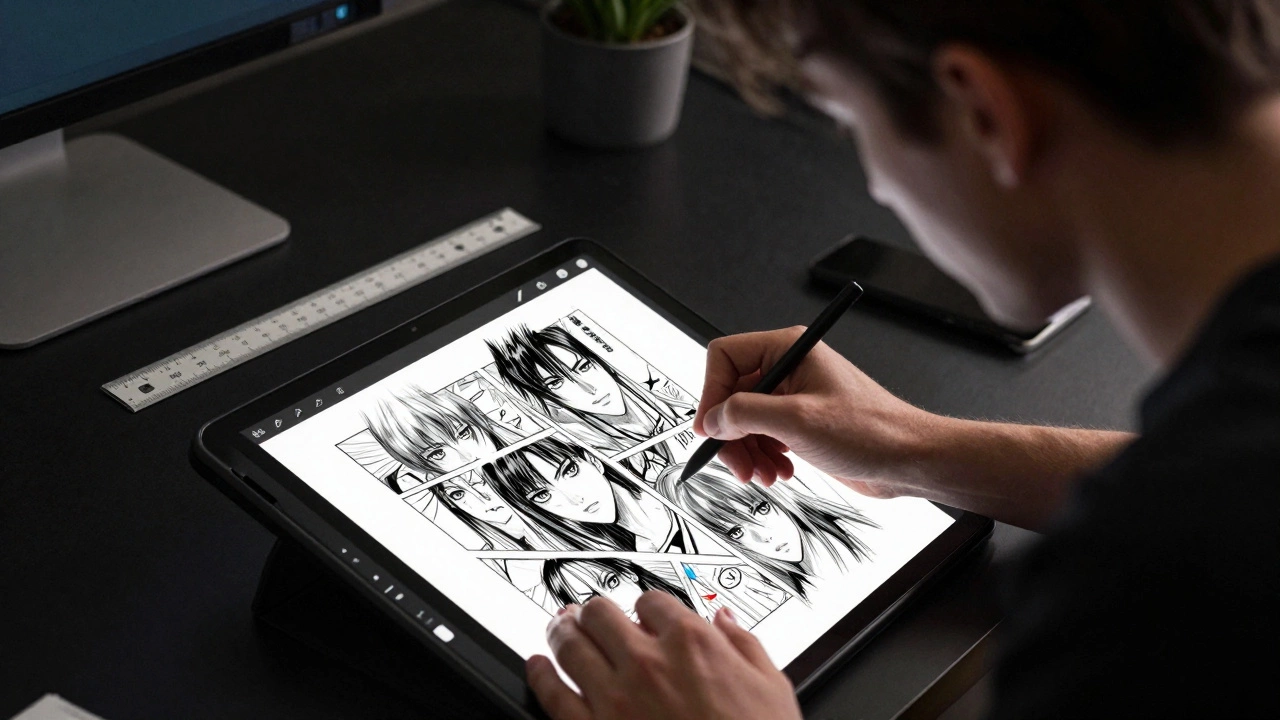
If you’re drawing comics, manga, or storyboards, Clip Studio Paint (formerly Manga Studio) is probably already in your toolkit. It’s the app that most professional illustrators in Japan use. Why? It’s packed with tools made for line art: automatic line smoothing, perspective rulers, tone patterns, and a library of over 10,000 pre-made brushes and assets.Unlike Procreate, Clip Studio Paint works on Windows, Mac, iPad, and Android. It’s also a one-time purchase-no subscription. That’s a big deal for artists tired of monthly fees. The interface is more complex than Procreate’s, but once you learn it, you can crank out pages faster than in any other app. A 2025 industry report found that 31% of freelance comic artists use Clip Studio Paint as their main tool, making it the second most popular app after Procreate.
Krita: Free, powerful, and open-source
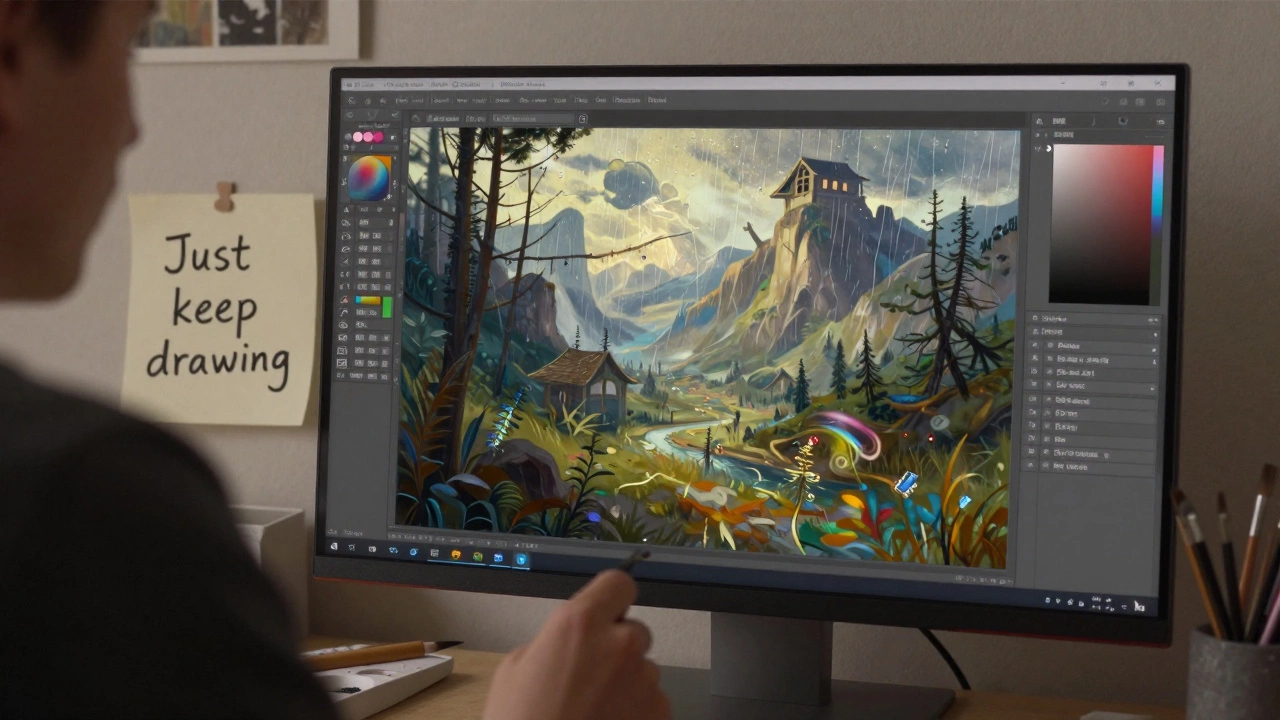
Not everyone wants to pay for software. That’s where Krita comes in. It’s completely free, open-source, and runs on Windows, Mac, and Linux. Developed by artists for artists, it’s packed with professional-grade features: HDR support, brush stabilizers, perspective grids, and a brush engine that rivals Procreate’s.Krita’s strength? It’s built for painting, not just drawing. It handles large canvases well, supports custom brush creation, and even has a texture engine that lets you simulate canvas grain. It doesn’t have the polish of Procreate, and its interface feels a bit clunky at first. But if you’re on a budget or use a non-Apple device, Krita is the most capable free option out there. Over 2 million people downloaded it last year alone.
Other apps worth considering
There are other apps that carve out their own niche. Rebelle is the go-to for hyper-realistic watercolor and acrylic simulations. It’s slow, expensive, and only for Mac and Windows-but if you want paint to bleed and dry like the real thing, nothing else comes close.MediBang Paint is popular among beginners because it’s free, has cloud storage, and includes built-in comic templates. It’s not as powerful as Clip Studio Paint, but it’s easier to learn.
Photoshop for iPad is still used by many designers, especially for photo manipulation and mixed media. But for pure painting? Most artists find it too bloated. The interface is cluttered, and the brush engine doesn’t feel as natural as Procreate’s.
What’s the real winner?
Let’s cut through the noise. If you’re asking what app most people use for digital art, the data says it’s Procreate. It’s the most downloaded, the most recommended, and the most trusted by artists across skill levels. But that doesn’t mean it’s right for everyone.Here’s the truth: the best app is the one you’ll actually use. If you’re on Android, Procreate won’t work. If you’re on a tight budget, Krita is your best friend. If you’re making comics, Clip Studio Paint will save you hours. If you’re deep in Adobe’s ecosystem, Fresco makes sense.
Most artists start with Procreate because it’s easy, powerful, and looks amazing out of the box. But many switch later-based on their needs, not trends. One artist I spoke to in Vancouver switched from Procreate to Clip Studio Paint after she started illustrating children’s books. She needed better line tools and layer organization. Another artist stuck with Krita because she couldn’t afford an iPad. She’s now selling prints online and earning more than she did with her old job.
How to choose your app
You don’t need to try them all. Here’s a quick way to narrow it down:- What device do you have? iPad? Go Procreate. Android? Try Krita or MediBang. Windows? Clip Studio or Krita.
- What do you draw? Comics? Clip Studio. Paintings? Procreate or Krita. Watercolor? Rebelle. Mixed media? Adobe Fresco.
- How much can you spend? Free? Krita. One-time fee? Clip Studio. Subscription? Adobe. Premium one-time? Procreate.
Don’t overthink it. Download the free versions first. Spend an hour drawing something simple. See which one feels right. The app won’t make you a better artist-but the right one will make you want to keep drawing.
What’s changing in 2025?
New apps are popping up every year, but none have dethroned the big four. What’s new? AI brush assistants. Procreate now lets you generate textures from text prompts. Krita’s AI plugin can auto-fill background details. Adobe Fresco can suggest brush strokes based on your sketch.But here’s the thing: AI doesn’t replace skill. It just speeds up the boring parts. The magic still comes from your hand, your eye, and your patience. The app is just the brush. You’re still the painter.
Is Procreate the only app for digital art?
No, Procreate is the most popular, especially on iPad, but it’s not the only option. Krita is free and works on Windows and Mac. Clip Studio Paint is preferred by comic artists. Adobe Fresco integrates with Photoshop. The best app depends on your device, budget, and what you draw.
Can I use digital art apps on Android?
Yes. Clip Studio Paint, Krita, and MediBang Paint all work on Android tablets. Procreate is only available on iPad. Android users have fewer polished options, but Krita and Clip Studio Paint are powerful enough for professional work.
Do I need an Apple Pencil to use Procreate?
You don’t need an Apple Pencil to open Procreate, but you’ll miss out on pressure sensitivity, tilt recognition, and palm rejection. For serious drawing, an Apple Pencil (1st or 2nd generation) is essential. Most artists consider it part of the tool, not an accessory.
Is Krita really as good as paid apps?
Yes, for painting. Krita’s brush engine, layer system, and color management are on par with Procreate and Adobe Fresco. It lacks some polish and has a steeper learning curve, but it’s used by professional illustrators and concept artists who can’t afford subscriptions. It’s the most capable free digital art app available.
What’s the best app for beginners?
If you have an iPad, start with Procreate. It’s intuitive and has tons of tutorials. If you’re on a budget or use Android or Windows, try Krita. It’s free, powerful, and has a gentle learning curve if you stick to basic brushes. Avoid Photoshop for pure painting-it’s designed for photo editing, not drawing.