Nov 26, 2024
Unveiling the Challenges and Joys of Sculpture Art
When you use Adobe Fresco, a digital painting app designed for artists who want the feel of real paint on screen. Also known as Adobe’s live brushes app, it lets you paint with watercolor and oil brushes that react like the real thing—blending, bleeding, and drying naturally on your tablet. Unlike basic drawing apps, Fresco tracks pressure, tilt, and speed to mimic how paint behaves on paper or canvas. It’s not just another brush pack—it’s a whole painting system built for artists who miss the texture of traditional media but need the flexibility of digital.
Adobe Fresco works best with pressure-sensitive devices like the iPad Pro, a tablet widely used by digital artists for its precision display and Apple Pencil support, or Wacom tablets with compatible software. It’s not about having the most expensive gear—it’s about matching your tool to your workflow. If you’re used to layering watercolors or blending oils, Fresco gives you that control without the mess. You can switch between live watercolor and vector brushes in one canvas, making it ideal for illustrators, concept artists, and even traditional painters exploring digital.
What sets Adobe Fresco apart is how it connects to the rest of the Adobe ecosystem. Brushes you create in Fresco can sync to Photoshop and Illustrator. Your color palettes carry over. You can start a painting on your tablet and finish it on your desktop. That seamless flow is why so many artists have shifted from physical sketchbooks to digital ones. It’s not replacing traditional art—it’s extending it. You still need to understand light, composition, and brush control. Fresco just gives you more ways to practice, experiment, and share.
Below, you’ll find real guides from artists who use Adobe Fresco to create everything from quick studies to finished illustrations. Learn how to set up brushes that behave like real watercolor, how to avoid common blending mistakes, and which tablets give you the most natural feel. Whether you’re new to digital painting or switching from another app, these posts cut through the noise and show you what actually works.
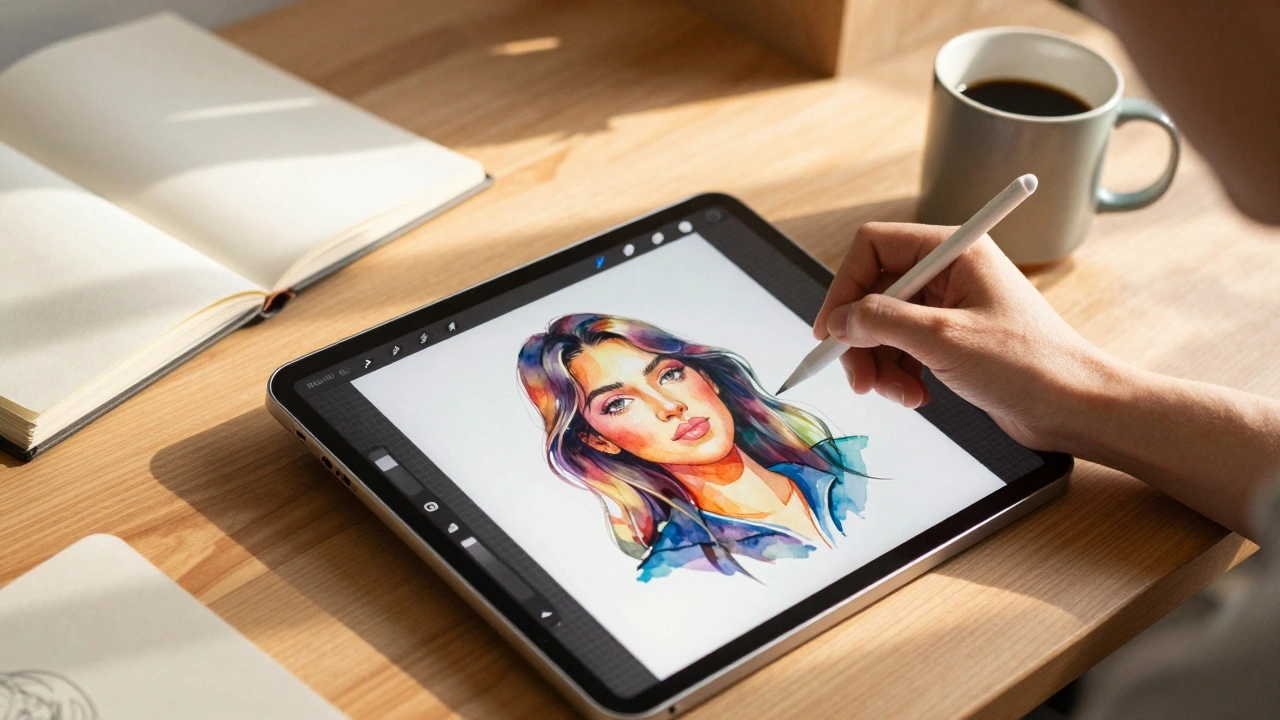
Procreate is the most popular digital art app in 2025, especially on iPad, but Krita, Clip Studio Paint, and Adobe Fresco are strong alternatives depending on your device and style. Find the right tool to match your workflow.