Art Print Quality & Cost Estimator
Enter your project details below to estimate costs and receive a recommendation on whether to buy specialized equipment, outsource, or stick with your current setup.
| Cost Per Print (Materials): | |
| Monthly Material Cost: | |
| Break-even Point (vs Outsourcing): |
*Estimates based on average market rates for A3-sized prints. Actual costs vary by brand and paper choice.
You just finished a stunning digital painting or scanned a watercolor masterpiece. It looks incredible on your screen. But when you hit "print" on your office laser printer, the colors look muddy, the blacks are gray, and the texture is gone. Suddenly, that $200 canvas print from a local shop seems like a bargain. So, do you actually need a special printer for art prints, or can your home setup handle it?
The short answer: if you want gallery-quality results that last, yes, you need specific hardware and supplies. If you just need a quick proof to show a client or frame for a casual gift, your standard inkjet might suffice. But there’s a massive gap between "good enough" and "professional." Let’s break down why this gap exists, what gear actually matters, and how to decide if upgrading is worth your wallet.
Why Standard Office Printers Fail at Fine Art
Most home printers are designed for text documents and occasional photos. They use dye-based inks and generic paper. Dye inks are vibrant but fade quickly under UV light-often within five years. For an artist, that’s a disaster. Imagine selling a piece to a collector who hangs it in a sunlit room, only to see it wash out by the time they move houses.
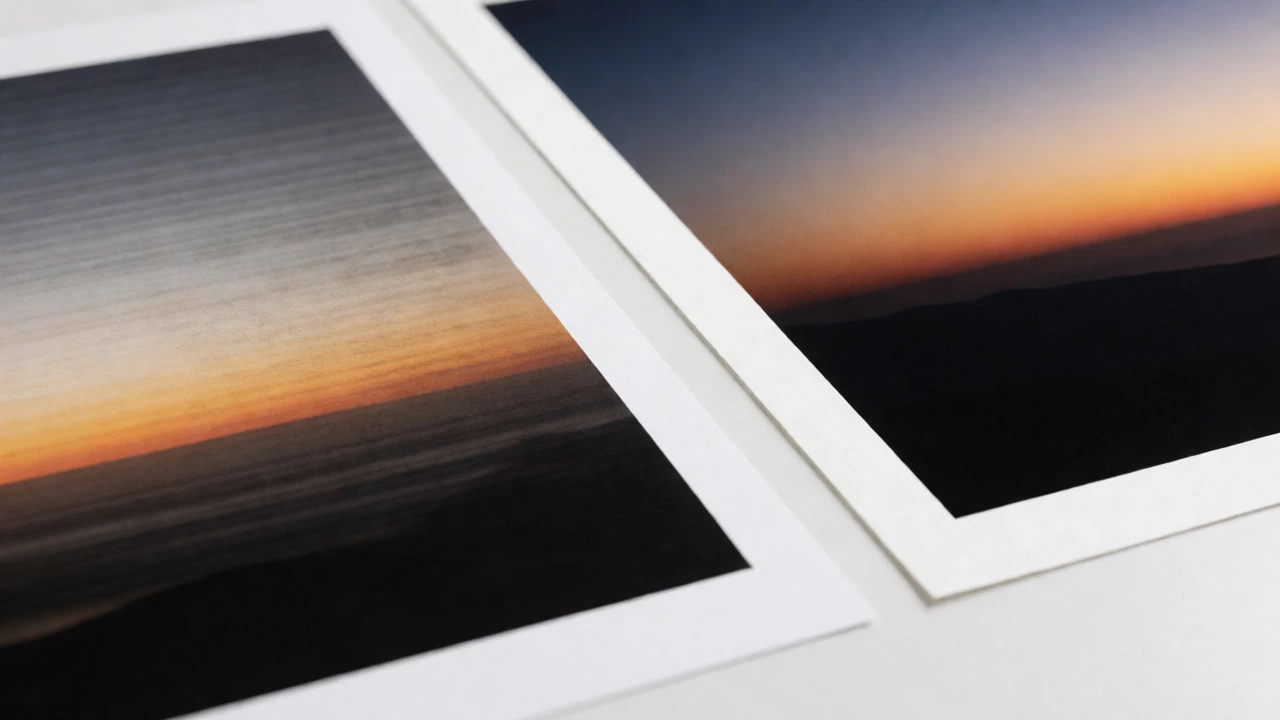
Office printers also struggle with color accuracy. They typically have four cartridges (CMYK: Cyan, Magenta, Yellow, Black). This limited palette creates banding in gradients and fails to reproduce subtle skin tones or complex shadows. When you print a photograph of a sunset or a detailed portrait, those smooth transitions turn into visible steps. That’s not an artistic choice; that’s a technical limitation.
Then there’s the resolution issue. While many consumer printers claim high DPI (dots per inch), their effective resolution for photographic content is much lower due to dithering algorithms. These algorithms mix dots of different colors to simulate shades, which looks okay from three feet away but falls apart up close. Fine art collectors often inspect pieces from inches away. If they see pixelation or dot patterns, the perceived value drops instantly.
The Giclée Standard: What Makes a Print "Fine Art"
If you’ve shopped for high-end reproductions, you’ve likely seen the term Giclée a method of fine-art printing using professional-grade inkjet printers and archival-quality paper. It’s French for "spraying," referring to how the ink is deposited onto the page. But it’s more than a buzzword-it’s a set of strict criteria.
To qualify as a true giclée, a print must meet three conditions:
- Pigment Inks: Unlike dye inks, pigment inks contain microscopic particles that sit on top of the paper fibers rather than soaking in. They are resistant to fading, water, and smudging. Most manufacturers guarantee archival stability for 75-100+ years.
- High Resolution: The source file must be at least 300 DPI at the final print size, and the printer must support native high-resolution output without excessive interpolation.
- Archival Paper: The substrate must be acid-free, lignin-free, and made from cotton rag or alpha-cellulose. This ensures the paper doesn’t yellow or degrade over time.
Your standard HP or Canon office printer usually checks none of these boxes. It uses dye inks, prints on wood-pulp paper, and lacks the color gamut to match the original artwork accurately. To get giclée quality, you need equipment designed specifically for photography and fine art reproduction.
Inkjet vs. Laser: Why Inkjet Wins for Art
You might wonder, "What about laser printers? They’re fast and cheap per page." For text, absolutely. For art, no. Laser printers fuse toner onto paper using heat. This process flattens the image, removing any sense of depth or texture. It also limits the range of media you can use-you can’t run thick, textured cotton rag paper through most laser printers without jamming or melting issues.
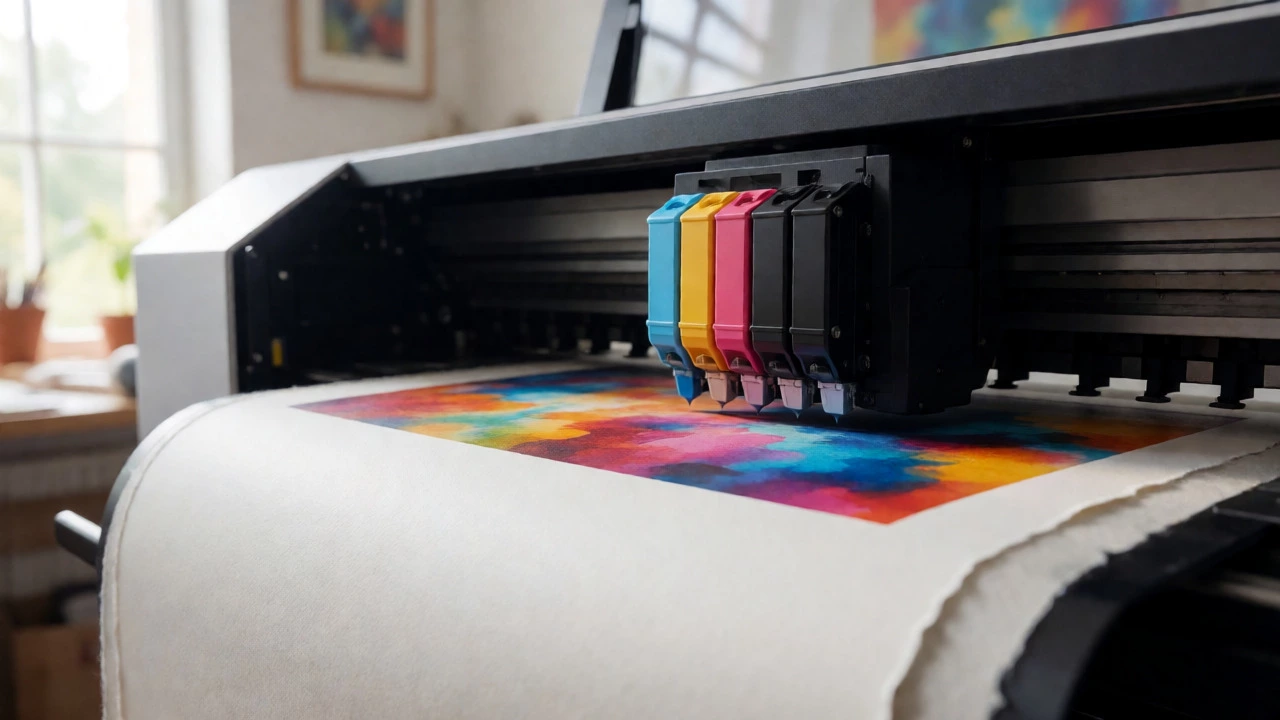
Professional photo inkjets, on the other hand, spray liquid ink precisely. This allows them to handle heavy papers (up to 600 gsm) and produce rich, continuous tones. The key difference lies in the ink system. Professional models often feature 8, 10, or even 12 ink channels. Instead of just CMYK, they add Light Cyan, Light Magenta, Photo Black, Matte Black, Gray, and sometimes Red or Green. This expanded palette allows for smoother gradients and deeper blacks, crucial for moody landscapes or detailed portraits.
| Feature | Standard Office Inkjet | Consumer Photo Inkjet | Pro Fine Art Inkjet |
|---|---|---|---|
| Ink Type | Dye-based | Dye or Hybrid | Pigment-based |
| Color Channels | 4 (CMYK) | 4-6 | 8-12+ |
| Max Paper Weight | ~250 gsm | ~300 gsm | 600+ gsm |
| Archival Life | 5-10 years | 10-25 years | 75-100+ years |
| Cost Per Print (A3) | $0.50 - $1.00 | $1.50 - $3.00 | $3.00 - $8.00 |
The Hardware: What to Look For
If you decide to buy a dedicated machine, don’t just grab the cheapest "photo" printer. Here are the non-negotiable specs for serious artists:
1. Pigment Ink System: Ensure the manufacturer explicitly states the inks are pigment-based. Brands like Epson (with their UltraChrome HDX inks), Canon (LUCIA PRO), and HP (Vivera) lead here. Avoid hybrids unless you understand the trade-offs.
2. Wide Format Capability: If you plan to sell prints larger than 8x10 inches, you’ll need a wide-format printer. Models like the Epson SureColor P-series professional photo printers known for high color accuracy and large format capabilities or Canon imagePROGRAF PRO series allow you to print up to 17 inches or wider. This opens up markets for wall art, posters, and limited editions.
3. Media Handling: Check if the printer has a rear feed tray. Thick, textured fine art paper needs a straight path through the printer to avoid bending or creasing. Front-loading cassettes often force paper to bend, which ruins delicate surfaces.
4. Color Management Support: Does the printer come with software profiles for various papers? Or better yet, does it allow you to load custom ICC profiles? Custom profiles ensure that the reds on your screen match the reds on the paper, regardless of the paper brand you choose.
The Hidden Cost: Paper Matters More Than You Think
Buying a $1,000 printer and printing on $5 packs of glossy photo paper is like putting cheap tires on a Ferrari. The substrate defines the feel and longevity of the print. Fine art papers fall into two main categories: matte and lustre/glossy.
Matte Papers: Usually made from 100% cotton rag (like Hahnemühle Photo Rag or Canson Infinity Platine Fibre Rag). They have a soft, tactile texture and no glare. Collectors love these for paintings and drawings because they mimic traditional art materials. However, they absorb ink differently, so you must calibrate your printer for each specific paper type.
Lustre/Glossy Papers: Best for photographs. They offer higher dynamic range and sharper details. Brands like Ilford Gold Fibre Silk provide a premium finish that rivals darkroom prints. Note that glossies show fingerprints easily, so handling requires care.
Expect to pay $1.50 to $5.00 per sheet for A3-sized archival paper. Factor this into your pricing model. If you’re selling a print for $50, and your paper costs $3, plus ink ($2), plus overhead, your margin shrinks fast. Volume helps, but quality demands respect.
Should You Buy or Outsource?
This is the million-dollar question. Do you invest $1,500-$3,000 in a pro printer, or do you send files to a print lab?
Buy if:
- You print frequently (more than 20 prints a month).
- You need immediate turnaround for commissions.
- You want total control over color calibration and paper selection.
- You have space for maintenance (inkjets dry out if unused).
Outsource if:
- You print sporadically (fewer than 5 prints a month).
- You need very large formats (24+ inches) where printer cost explodes.
- You lack the time to learn color management software.
- You want to offer a wide variety of exotic papers without stocking inventory.
A smart hybrid approach works for many Vancouver-based artists I know. They keep a mid-range pigment printer for proofs and small runs (under 10 copies), then outsource large limited editions to specialized labs like WhiteWall or local studios. This balances cost and quality.
Calibration: The Step Everyone Skips
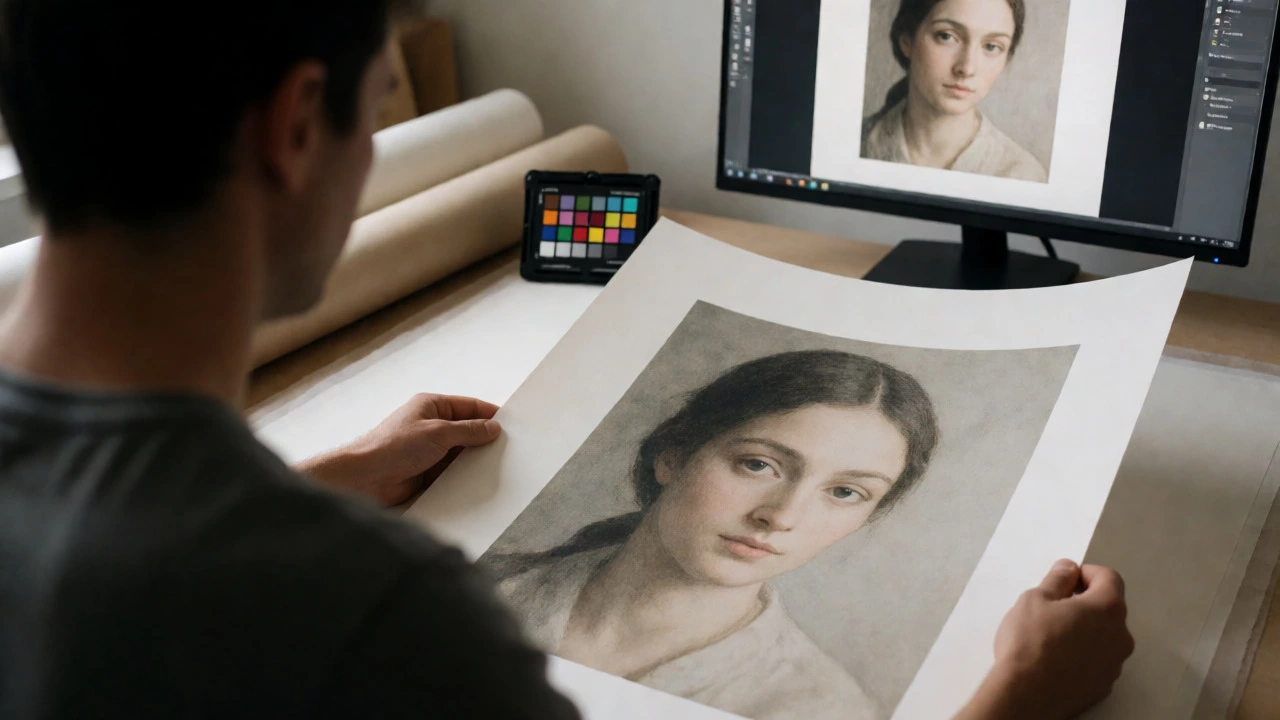
Even with the best printer and paper, your colors will drift if you don’t calibrate. Your monitor shows RGB light; your printer mixes CMYK pigments. They speak different languages.
Start by profiling your monitor using a hardware calibrator (like X-Rite i1Display or Datacolor Spyder). This ensures what you see is accurate. Then, create custom ICC profiles for your printer/paper combination. Software like Epson Media Installer or third-party tools like ProfileMaker can generate these profiles. Without them, you’re guessing. With them, you’re controlling.
Don’t forget lighting. Evaluate your prints under neutral daylight bulbs (5000K-5500K). Warm household lighting will make everything look yellow, leading you to adjust colors incorrectly.
Common Pitfalls to Avoid
Ignoring Ink Waste: Pro printers perform automatic cleaning cycles that waste ink. If you leave your printer idle for weeks, you might lose half a cartridge just to unclog heads. Run a nozzle check weekly.
Underestimating File Prep: Don’t let the printer resize your image. Upscale in Photoshop or Topaz Gigapixel AI before sending to the printer. Use bicubic smoother for enlargements. Soft-proof your images on screen using the correct ICC profile to predict how colors will shift.
Forgetting Metadata: If you sell prints, embed copyright info in the file properties. Some advanced printers can read this, but more importantly, it protects your work digitally.
Can I use regular inkjet paper for art prints?
You can, but it won't be archival. Regular paper contains lignin and acids that cause yellowing over time. For a true art print, use acid-free, cotton-rag paper to ensure longevity and proper ink absorption.
How long do pigment ink prints last?
When paired with archival paper and stored correctly (away from direct sunlight and humidity), pigment ink prints can last 75 to 100+ years. Dye-based prints typically fade significantly within 5 to 10 years.
Is a laser printer suitable for fine art reproduction?
Generally, no. Laser printers use toner fused by heat, which limits paper types and lacks the color depth and smooth gradients required for high-quality art reproduction. Inkjet technology is preferred for its precision and ability to handle heavy, textured papers.
What is the minimum DPI needed for a quality art print?
300 DPI (dots per inch) at the final print size is the industry standard for sharp, professional results. Anything below 200 DPI may appear pixelated when viewed up close, especially on matte papers.
Do I need a wide-format printer?
Only if you plan to sell prints larger than 11x17 inches. For standard sizes (8x10, A4, A3), a compact pro-photo printer is sufficient and more affordable. Wide-format machines require more space and maintenance.