Dec 22, 2025
Do People Still Buy Digital Art? Here’s What’s Really Happening in 2025
When you pick up a digital drawing tablet, a pressure-sensitive device that lets artists draw directly on screen or with a stylus on a pad, replacing paper and pencil in digital workflows. Also known as a graphics tablet, it’s not just a gadget—it’s the new canvas for millions of artists, designers, and illustrators. You don’t need to be a tech expert to use one. Whether you’re sketching on an iPad or working on a Wacom Cintiq, the core idea is simple: your hand moves the stylus, and the software turns it into lines, brushes, and colors on screen.
What makes a digital drawing tablet different from a regular tablet? It’s the precision. Unlike touchscreens that react to fingers, these tools respond to pressure, tilt, and angle—just like a real pencil or brush. That’s why pros use them. They’re not trying to replace traditional art; they’re extending it. Artists who once painted with oils now paint with pixels, using the same rules of light, shadow, and composition—but with undo buttons and layers. The best ones, like the iPad Pro, a tablet optimized for creative work with Apple Pencil support and Procreate compatibility, or the Wacom, a trusted brand known for high-end pen tablets and displays used by professionals worldwide, feel natural after just a few minutes. You don’t need the most expensive model to start. Many artists begin with budget-friendly options and upgrade later.
It’s not just about the hardware. The real magic happens in the software. Apps like Procreate, a powerful digital painting app designed for iPad that’s become the go-to tool for illustrators and concept artists, or Krita and Clip Studio Paint, turn your tablet into a full studio. These tools let you mimic watercolor, charcoal, ink, or oil—each brush behavior is programmed to behave like the real thing. And with cloud sync, you can start a sketch on your tablet, finish it on your laptop, and send it to a printer—all without touching paper.
Why does this matter now? Because digital art isn’t a niche anymore. It’s in galleries, on NFT platforms, in film studios, and on social media feeds. Artists who used to struggle to get their work seen are now building audiences directly. And the tools are more accessible than ever. You don’t need a degree to start. Just a tablet, an app, and the willingness to draw badly at first.
What you’ll find in the posts below are real guides from artists who’ve been there. You’ll see which devices actually work in 2025, what apps they swear by, how they handle pressure sensitivity, and why some artists still mix digital and traditional methods. There’s no fluff—just what you need to know before you buy, download, or start your first digital sketch.
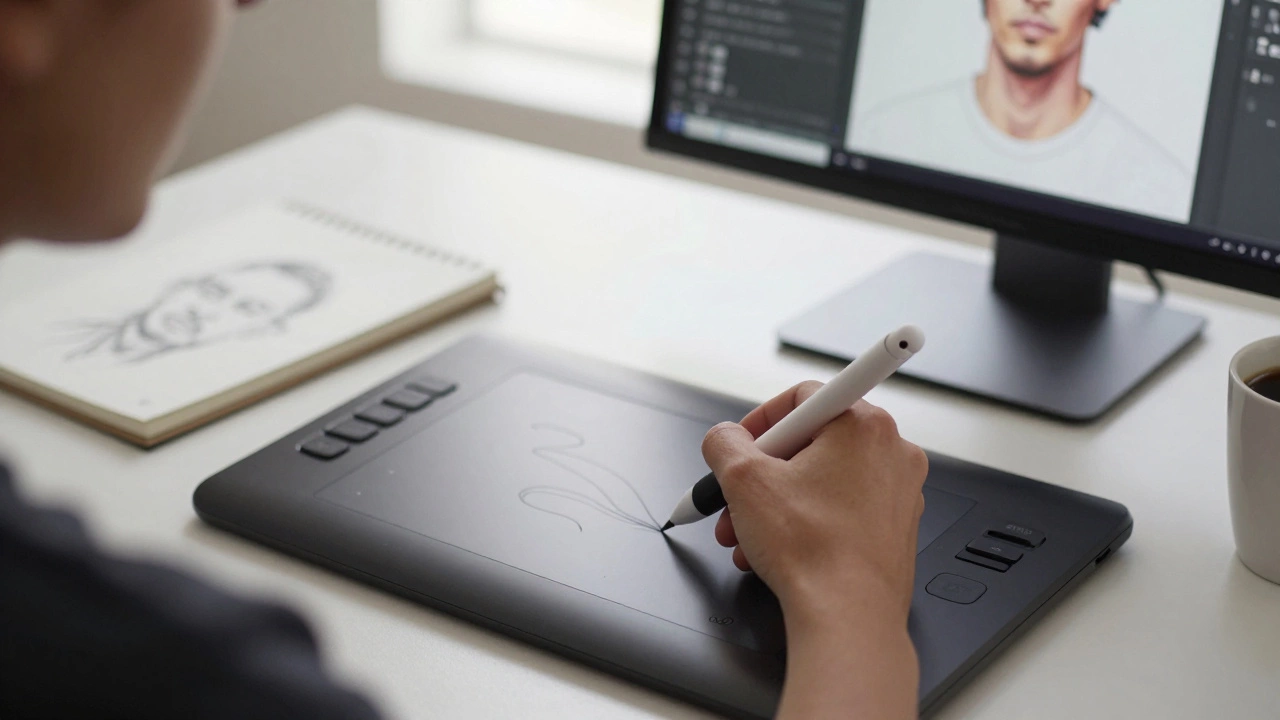
You don't need a tablet to make digital art-but if you want to draw with control, speed, and natural feel, one makes all the difference. Here's what to buy and when.