Oct 8, 2025
Turn Your Paintings into High‑Quality Digital Prints: Step‑by‑Step Guide
When you're creating digital art, Clip Studio Paint, a professional-grade digital illustration and comic creation software developed by Celsys. Also known as Clip Studio, it's built for artists who want speed, control, and tools designed specifically for drawing, inking, and coloring—not just generic photo editing. Unlike Photoshop, which started as a photo tool, or Procreate, which is locked to iPad, Clip Studio Paint gives you a full suite of brushes, pen pressure sensitivity, layer management, and comic panel layouts—all in one place. It works on Windows, Mac, iPad, and Android, so whether you’re sketching on a tablet or refining on a desktop, your workflow stays smooth.
Artists use Clip Studio Paint because it handles line work better than most. The stabilizer tool smooths shaky hands, the vector layer option lets you resize lines without losing quality, and the custom brush engine lets you build brushes that mimic real pencils, ink pens, or watercolor washes. Many comic artists swear by its panel layout system, which lets you drag and drop panels with perfect alignment—no more guessing where to place speech bubbles. It also integrates well with digital drawing tablets, especially Wacom and Huion models, making it a top pick for those who want pressure-sensitive control without paying for high-end monitors like a Cintiq.
People often ask if you need a tablet for digital art. The answer? You can start without one, but if you want to draw like you’re sketching on paper, a tablet paired with Clip Studio Paint changes everything. It’s not about having the most expensive gear—it’s about finding the right tool for your style. That’s why so many artists on this site use Clip Studio Paint for everything from quick concept sketches to finished gallery pieces. You’ll find posts here that break down how to use it for realistic landscapes, how it compares to other apps like Photoshop or Procreate, and even how artists use it alongside AI tools to speed up workflows without losing their voice.
Whether you’re new to digital art or switching from traditional media, Clip Studio Paint gives you the precision to make your ideas stick. It doesn’t try to be everything to everyone—it’s made for the people who draw every day. Below, you’ll find real guides from artists who use it daily: how to set up brushes, avoid common mistakes, and turn rough sketches into polished work. No fluff. Just what works.
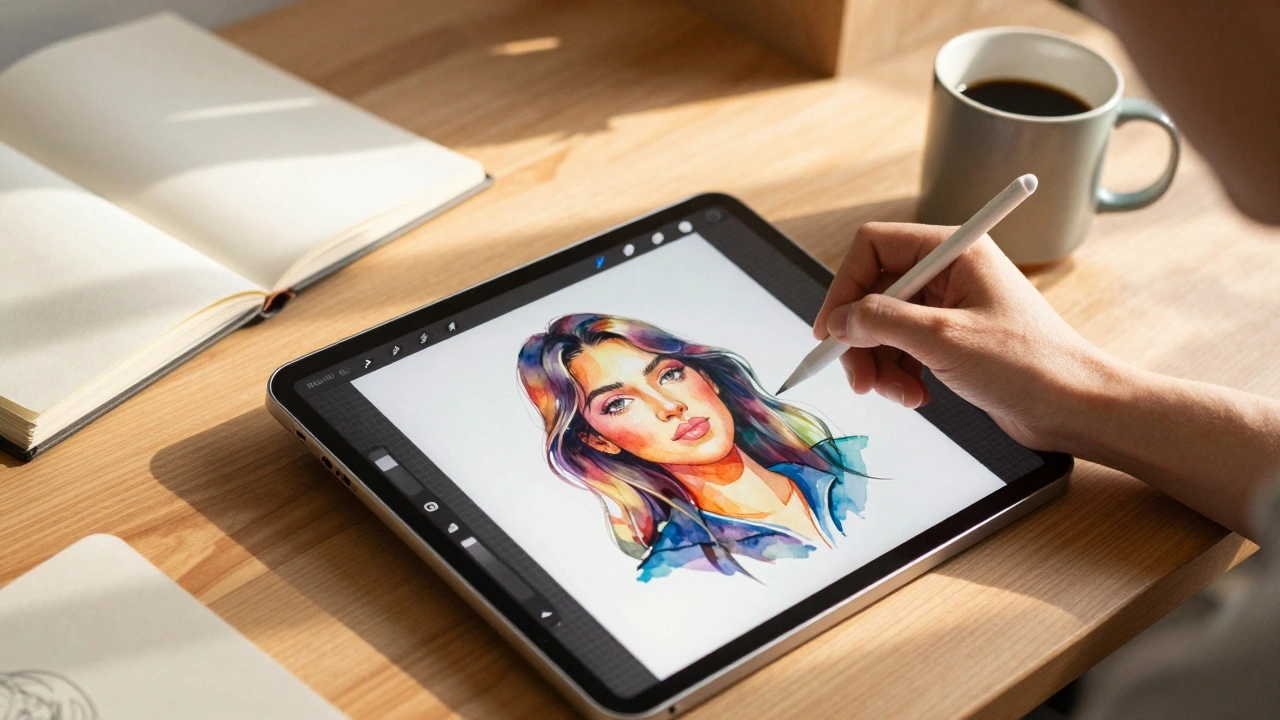
Procreate is the most popular digital art app in 2025, especially on iPad, but Krita, Clip Studio Paint, and Adobe Fresco are strong alternatives depending on your device and style. Find the right tool to match your workflow.