YouTube Music Plan Comparison Tool
Select a plan below to see what you get and what you'll miss.
Free Version
$0 / monthBasic streaming with ads
Feature Breakdown
Quick Summary: Where did the music go?
- Google Play Music is gone; everything is now under the YouTube Music brand.
- Your paid subscriptions moved automatically to the new platform.
- The focus shifted from "buying songs" to a monthly subscription model.
- Your uploaded music (those personal files you added) is still available in a specific section.
The transition from Google Play Music to YouTube Music
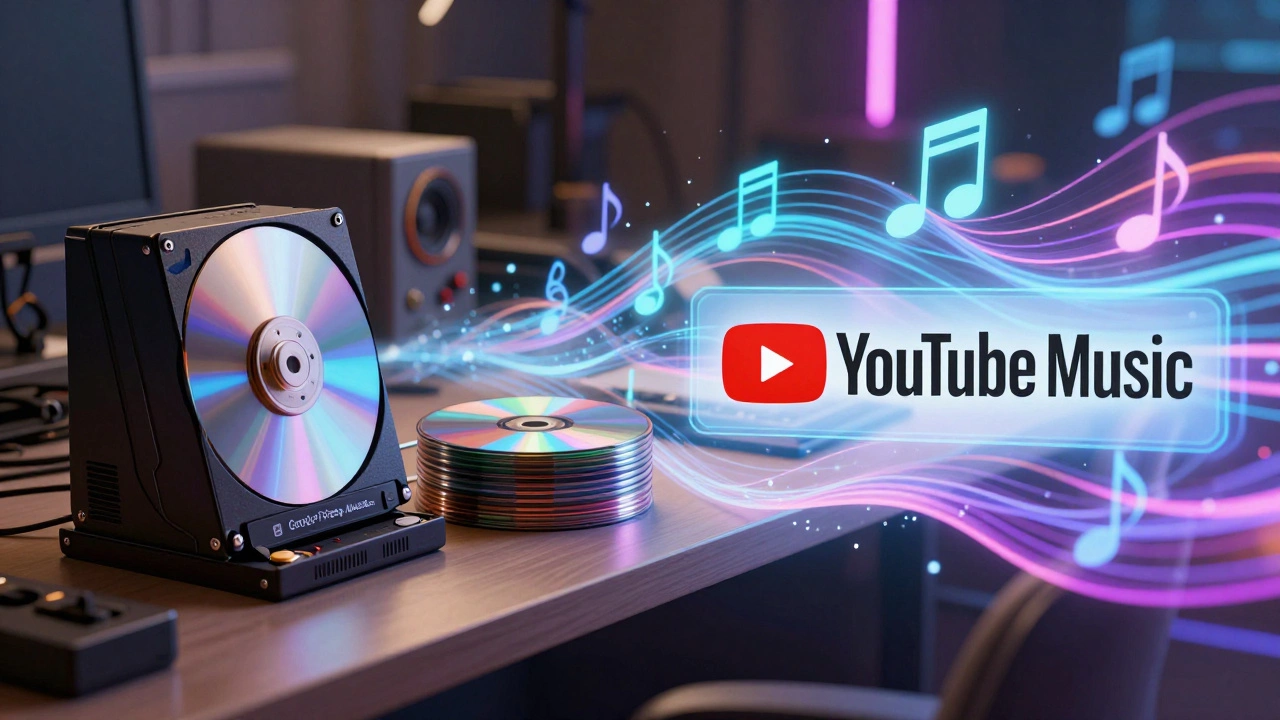
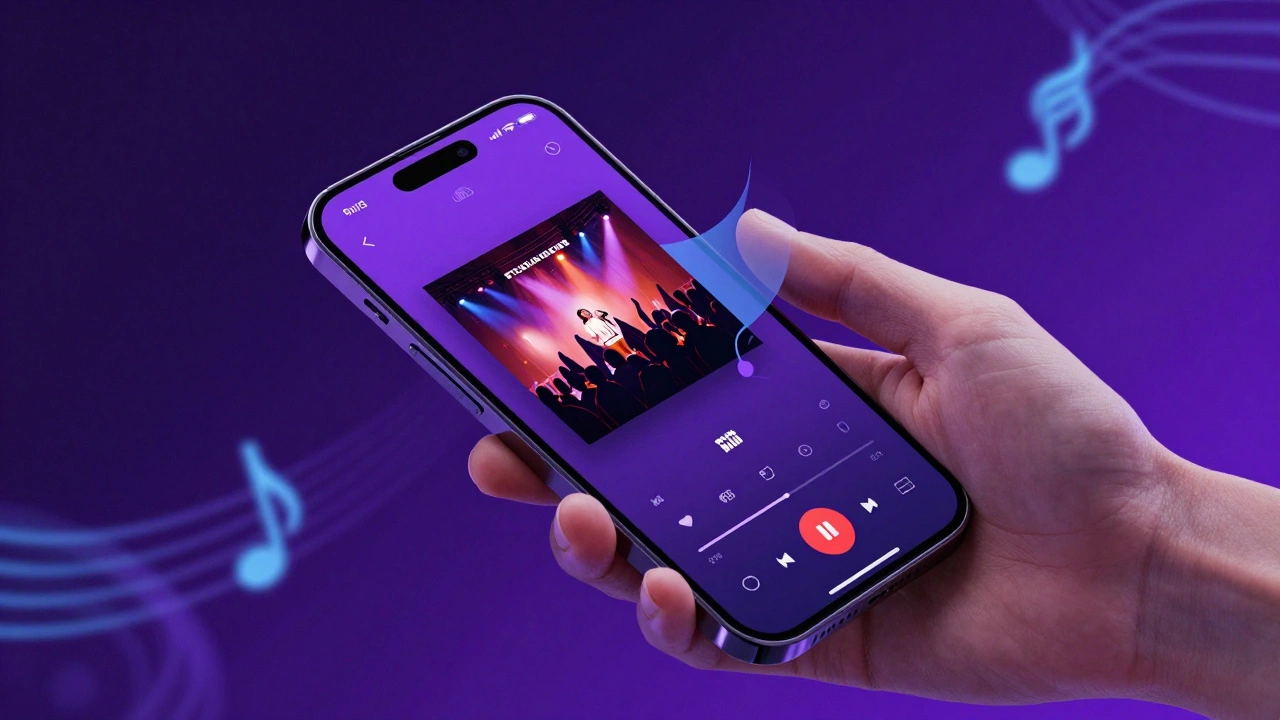
For a long time, Google had two separate things: a store where you bought songs and a streaming service. Google Play Music was the hub for this. You could upload up to 50,000 of your own songs to the cloud for free, which was a killer feature at the time. Then, Google realized that YouTube already had the biggest collection of music in the world because of user uploads and official artist channels. Instead of fighting two different battles, they decided to kill the Play Music app and move everyone over to a dedicated music experience within the YouTube ecosystem. This wasn't just about rebranding. They wanted to integrate a video-first culture into a music-first interface. Now, when you search for a song, you get the official studio track, the music video, and sometimes a live performance from a concert-all in one place. This is a massive leap from the old grid of album art we saw in the old Google Play store.How the current system actually works
If you're new to the current setup, you'll notice it looks and feels more like a social media app than a digital jukebox. The core of the experience is the YouTube Music Premium subscription. Unlike the old days where you could just buy one song for $0.99, the modern era is almost entirely subscription-based. Here is how the different tiers break down:| Feature | Free Version | Premium Subscription |
|---|---|---|
| Ad-free listening | No (Ads between songs) | Yes |
| Background Play | No (App must be open) | Yes |
| Offline Downloads | No | Yes |
| Access to Library | Limited | Full Access |
What happened to your uploaded songs?
This is the biggest point of stress for old Google Play Music users. You probably spent years meticulously uploading your rare bootlegs, home recordings, or tracks from defunct bands. The good news is that those files didn't vanish; they just moved to a different folder. To find them, you have to navigate to your Library and then look for the "Uploads" tab. This is a distinct section from the streaming library. While the streaming side gives you access to millions of licensed songs, the Uploads section is your own private cloud. If you can't find your songs, make sure you're logged into the exact same Google Account you used back in 2015. If you had multiple Gmail addresses, your music is likely sitting in one of the others.Comparing the new experience to other giants
Now that Google has streamlined its music offering, it's basically in a three-way war with Spotify and Apple Music. But YouTube Music has a few tricks up its sleeve that the others don't. First, the search algorithm is significantly better. Because it's powered by the same engine as YouTube, you can search for "that song that goes nano nano" or "music for cleaning the kitchen on a rainy day," and it will actually find what you're looking for. Spotify is great for curated playlists, but YouTube Music wins on discovery through sheer volume of content. Second, the integration with Google Assistant is seamless. If you have a Google Nest speaker in your house, the hand-off between your phone and your speaker is almost instant. However, if you're looking for high-fidelity, lossless audio, you might find the current Google offering lacking. Apple Music offers lossless audio as standard, while YouTube Music focuses more on accessibility and convenience over extreme audio precision.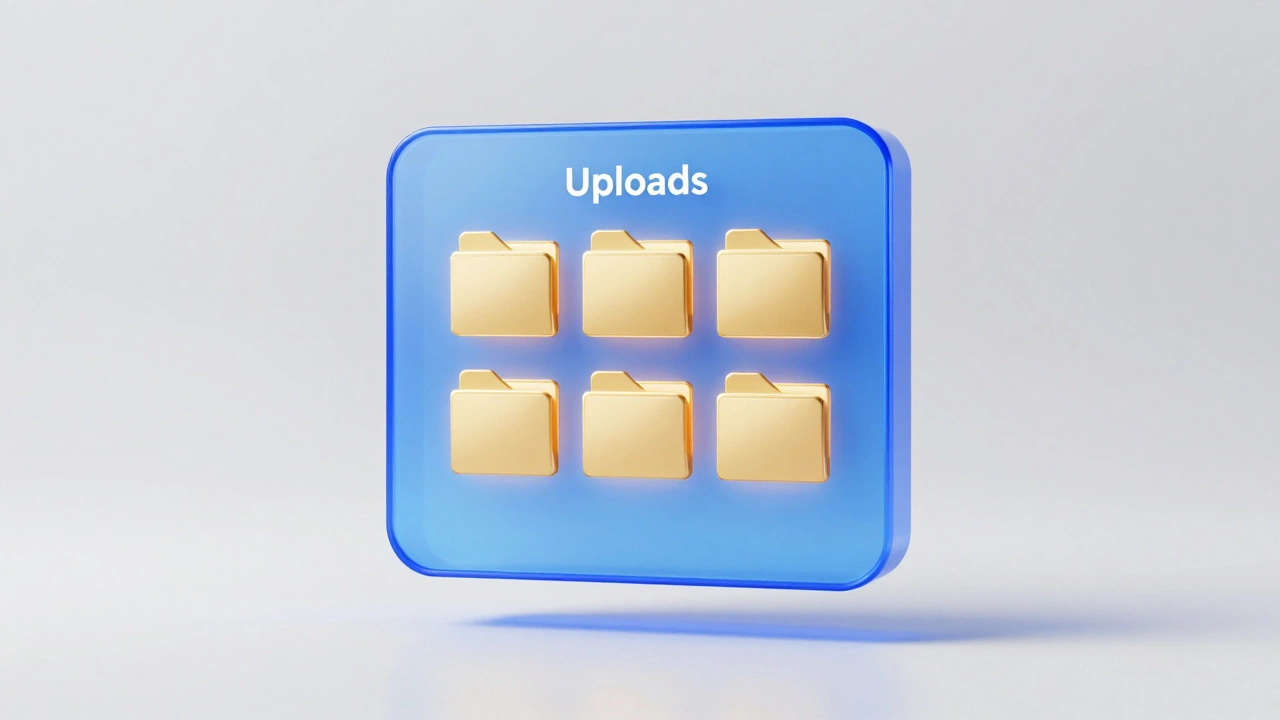
Common pitfalls and how to avoid them
Many users run into a few common walls when trying to use the service. If you're experiencing these, here is how to fix them:- The "Wrong Account" Loop: You open the app and your playlists are gone. This usually happens because the app defaulted to your work email instead of your personal one. Switch accounts in the top right profile icon.
- Missing Uploads: If you don't see the "Uploads" tab, check your settings. Sometimes you need to explicitly enable the view for your personal library.
- Playback Errors: If a song says "Unavailable in your country," it's usually a licensing issue. The workaround is often to find a user-uploaded version of the same song on the main YouTube side and "Save" it to your library.
Is it better than the old way?
Whether the change was a "win" depends on what you valued about Google Play Music. If you loved the simplicity of buying a single album and owning it forever, the move to a subscription model feels like a loss. We've moved from a "Digital Store" to a "Streaming Utility." On the other hand, the ability to switch from a studio track to a 4K music video of a live performance in two clicks is something the old app could never do. The algorithm that suggests new music based on your viewing habits is also far more sophisticated than the old "Recommended for you" lists. If you're still clinging to the idea of owning your music, your best bet is to keep those uploads safe. Don't rely solely on the cloud; keep a backup of your MP3s on a physical hard drive just in case the platform changes its mind again in another five years.Can I still buy songs individually from Google?
No. Google has completely removed the option to purchase individual songs or albums. The service has transitioned fully to a subscription-based streaming model via YouTube Music.
Is YouTube Music free?
Yes, there is a free version, but it comes with limitations. You will hear ads, and you cannot play music in the background while using other apps or when your screen is locked. For those features, you need a Premium subscription.
Where did my Google Play Music playlists go?
Most playlists were automatically migrated to YouTube Music. If you don't see them, ensure you are logged into the correct Google account. You can find them under the "Library" tab in the YouTube Music app.
Can I upload my own MP3s to YouTube Music?
Yes, you can still upload your own music files. This is done through the web browser version of YouTube Music. Once uploaded, these songs appear in the "Uploads" section of your library and can be played for free without a subscription.
What is the difference between YouTube and YouTube Music?
YouTube is a general video platform. YouTube Music is a specialized app and interface designed specifically for audio consumption, offering better music organization, song-specific controls, and a dedicated library for your tunes.