May 21, 2025
What Makes a Portrait Painting Good?
When you're looking for a Krita, a free, open-source digital painting program designed for artists who want professional tools without the price tag. Also known as Krita Digital Painting, it's built by artists, for artists—no corporate lock-ins, no subscriptions, just pure creative control. Unlike many apps that force you to pay for brushes or layers, Krita gives you everything upfront: pressure-sensitive brushes, animation tools, HDR support, and even perspective grids—all without asking for your credit card.
It’s not just another drawing app. Digital art software, like Krita, replaces traditional canvases with pixel-based workflows that let you undo mistakes, layer effects, and experiment fearlessly. Many artists who started with tablets like the Wacom Intuos or iPad Pro switch to Krita because it handles brush dynamics better than most paid options. You can simulate oil paint that blends slowly, watercolor that bleeds naturally, or charcoal that smudges just right—all with customizable brush engines you can tweak yourself. And if you’ve ever wondered why some artists don’t use Photoshop, Krita’s one of the main reasons: it’s built for painting, not photo editing.
What makes Krita special isn’t just what it does, but who it’s for. Whether you’re sketching concept art for a game, painting a fantasy landscape, or animating a short loop for social media, Krita adapts. It doesn’t care if you’re a beginner learning brush settings or a pro building a full comic page with 50 layers. You’ll find tutorials online that walk you through everything from making a realistic eye to exporting animation frames—most of them made by users who’ve been there. And since it runs on Windows, Mac, and Linux, you’re not locked into one device.
Below, you’ll find real guides from artists who use Krita every day. Some show how to set up brushes that mimic traditional media. Others compare it to other tools like Procreate or Clip Studio Paint. There are posts on how to use it with drawing tablets, how to avoid common mistakes, and even how to turn your Krita files into professional prints. This isn’t marketing fluff—it’s practical advice from people who actually paint with it.
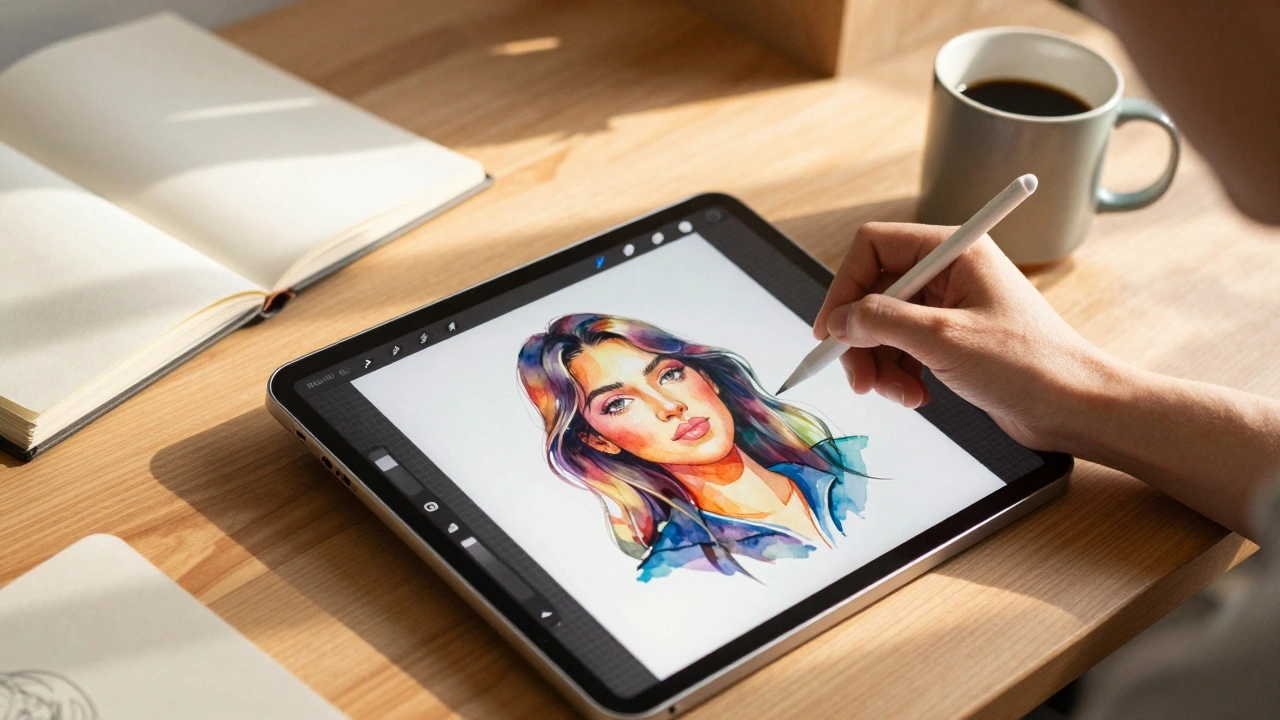
Procreate is the most popular digital art app in 2025, especially on iPad, but Krita, Clip Studio Paint, and Adobe Fresco are strong alternatives depending on your device and style. Find the right tool to match your workflow.